Creating a home office that is both cozy and productive can transform your work-from-home experience. When your workspace feels inviting and is well-organized, it encourages focus and creativity. Whether you have a dedicated room or just a small corner, these tips will help you set up a functional and comfortable office space.
Choose the Right Location
Finding the perfect spot for your home office is the first step.
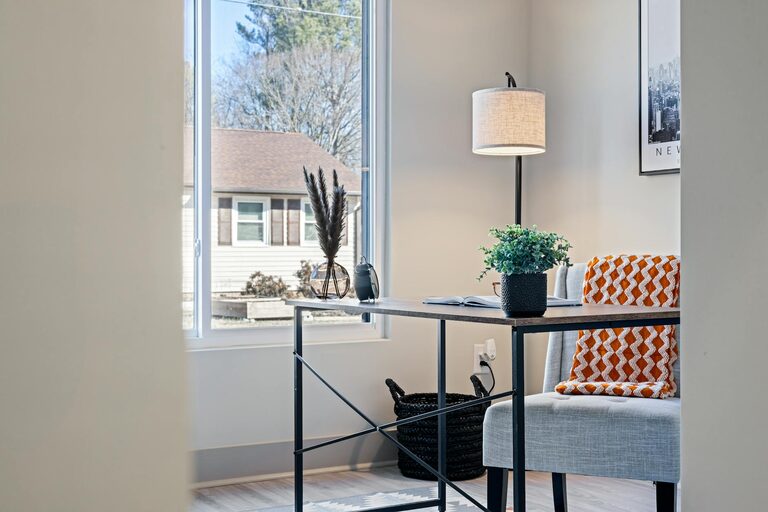
– Natural Light: Pick a location near a window if possible. Natural daylight can improve your mood and reduce eye strain.
– Quiet Area: Select a quiet corner of your home away from distractions like the TV or busy household areas.
– Space for Movement: Make sure there is enough room to move around comfortably and stretch, which is important for long work hours.
Invest in Comfortable Furniture
Comfort is essential to staying productive.
– Ergonomic Chair: Choose a chair that supports your posture. Adjustable height and lumbar support are ideal.
– Desk Size: Use a desk that fits your work essentials without clutter but provides enough space to work comfortably.
– Footrest: Consider a footrest to reduce pressure on your legs and improve circulation.
Organize Your Workspace
An organized desk helps keep your mind clear and tasks on track.
– Declutter: Only keep the items you use every day on your desk.
– Storage Solutions: Use drawers, shelves, or storage boxes to keep documents, stationery, and electronics tidy.
– Cable Management: Use clips or cable organizers to keep wires untangled and out of sight.
Personalize Your Space
Adding personal touches can make your office feel welcoming and motivate you.
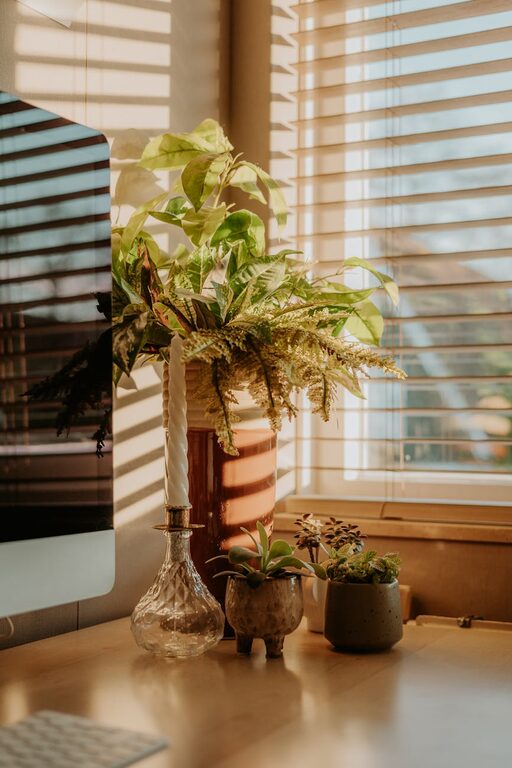
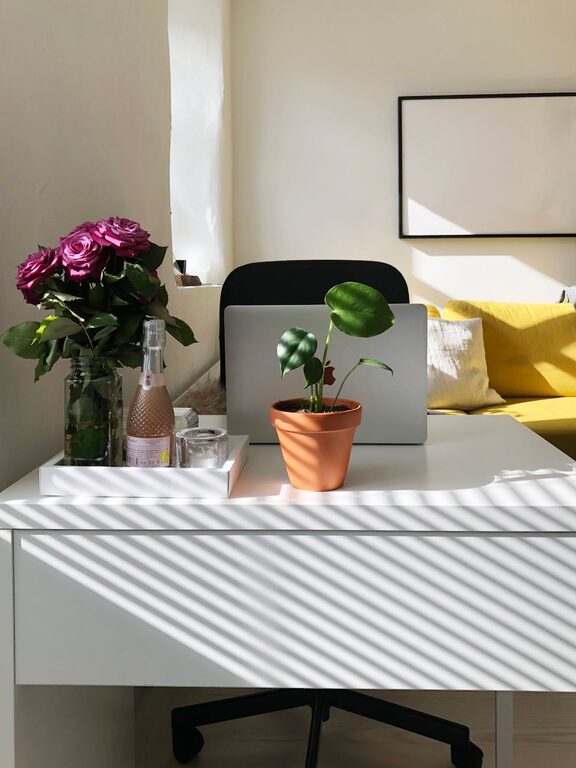
– Plants: Small indoor plants can freshen the air and add a calming touch.
– Artwork: Hang pictures or prints that inspire you or bring joy.
– Lighting: Use a desk lamp with adjustable brightness to reduce eye strain and create a warm atmosphere.
Optimize Lighting
Good lighting reduces fatigue and creates a pleasant environment.
– Layered Lighting: Combine natural light, overhead lighting, and task lighting to adjust as needed.
– Avoid Glare: Position your monitor perpendicular to windows to prevent screen glare.
– Light Bulbs: Use bulbs with a color temperature between 4000K and 5000K for a balanced, neutral light.
Maintain a Comfortable Temperature
Your comfort affects how well you work.
– Temperature Control: Use a fan, heater, or air conditioner as needed to keep the room at a comfortable temperature.
– Ventilation: Keep windows open sometimes or use an air purifier to circulate fresh air.
Set Boundaries
Especially when working from home, setting boundaries helps maintain work-life balance.
– Defined Work Hours: Set clear times for work and breaks.
– Separate Work and Relaxation: Avoid working from your bed or couch to mentally separate work from rest.
– Communicate: Let family members or roommates know your work schedule to minimize interruptions.
Technology Tips
Using the right technology can improve your workflow.
– Reliable Internet: Ensure you have a strong, stable internet connection.
– Quality Equipment: Invest in a good headset, keyboard, and mouse.
– Backup Power: A power strip or UPS can prevent data loss during outages.
Add Comfort and Inspiration
Finally, make your space a place you enjoy spending time.
– Soft Textiles: Use a cushion or throw blanket for added comfort.
– Scent: Consider a subtle diffuser or scented candle with relaxing aromas like lavender or eucalyptus.
– Music: Playing gentle background music can help some people focus better.
Conclusion
Designing a cozy and productive home office is about balancing comfort with function. By choosing the right location, investing in ergonomic furniture, keeping things organized, and personalizing your space, you can create an environment that supports your best work. With these tips, your home office will be a space you look forward to using every day.
About the Author