Creating a home office that feels both inviting and productive is essential for anyone working remotely or managing tasks from home. A well-designed workspace can improve focus, reduce stress, and increase your overall work satisfaction. Whether you have a dedicated room or a small corner, these tips will help you set up a home office that works for you.
Choose the Right Location
Find a Quiet Spot
Select a space away from household noise and distractions. If possible, choose a room with a door to separate your work area from daily life.
Consider Natural Light
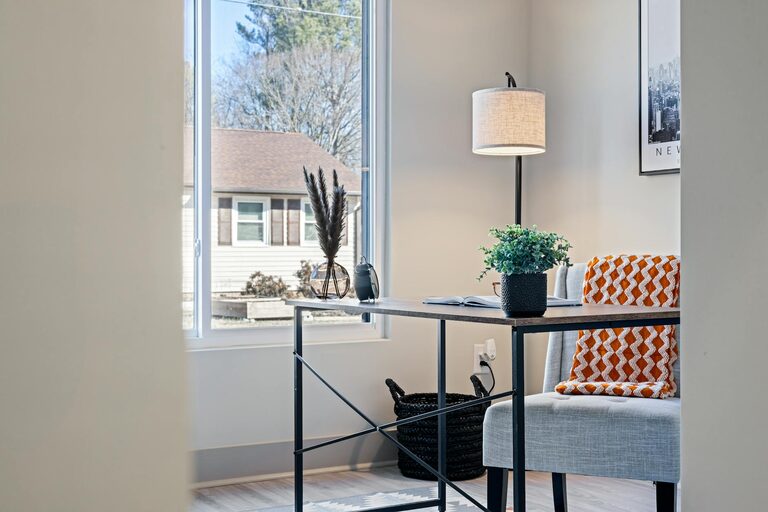
Position your desk near a window. Natural light boosts mood and can reduce eye strain. If natural light is limited, invest in good-quality, adjustable lighting.
Invest in Comfortable Furniture
Ergonomic Chair
A supportive chair is crucial. Look for adjustable height, lumbar support, and comfortable cushioning to avoid back pain and fatigue.
Functional Desk
Your desk should be large enough for your computer, documents, and essential tools, but not so big that it feels cluttered. Adjustable desks that allow you to switch between sitting and standing positions are becoming increasingly popular.
Organize Effectively
Declutter Regularly
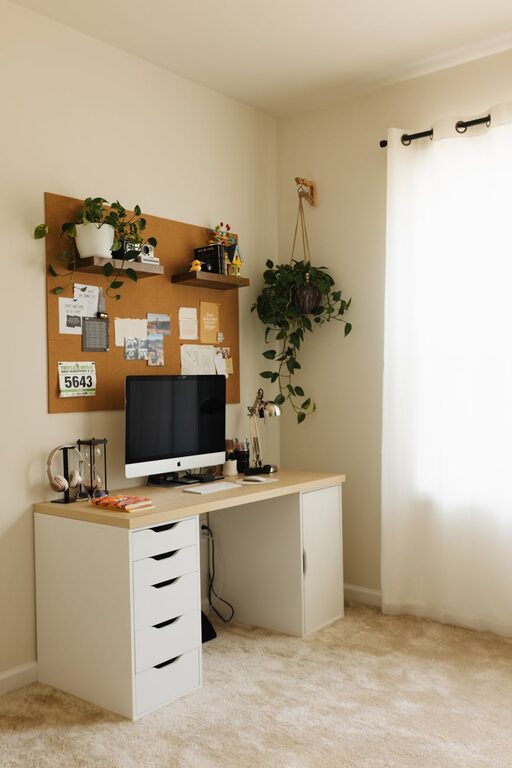
A clutter-free desk helps clear your mind. Keep only necessary items on your workspace and store other materials in drawers or shelves.
Use Storage Solutions
Shelves, filing cabinets, and organizers help keep papers and office supplies tidy. Label storage containers for easy access.
Cable Management
Tidy cables with clips, sleeves, or under-desk trays to avoid tangles and improve safety.
Personalize Your Space
Add Plants
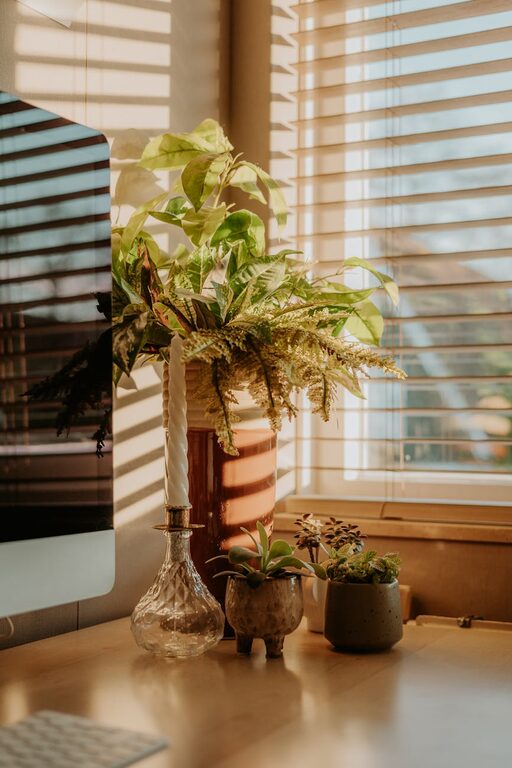
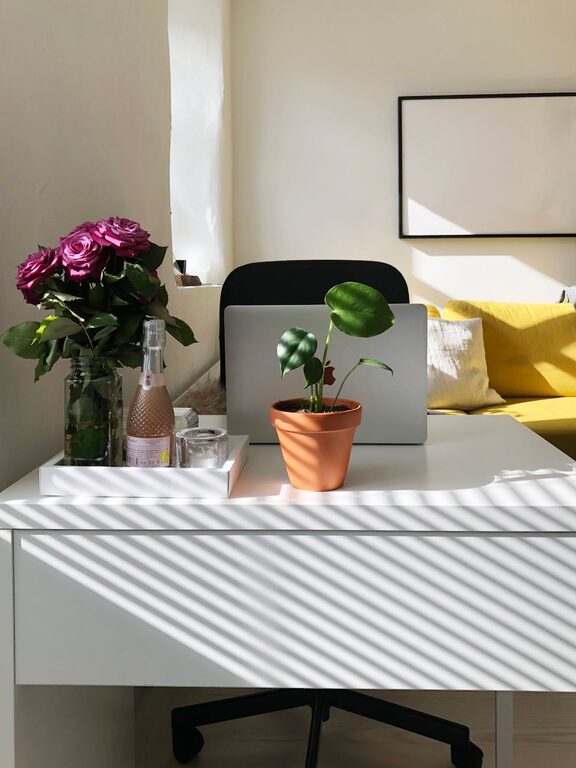
Greenery adds life to your office and has been shown to improve mood and air quality.
Use Calming Colours
Choose wall colours or decorations in soft, neutral tones, or calming shades like blue or green to create a relaxing atmosphere.
Display Inspiring Items
Photos, artwork, or motivational quotes can make your workspace more inviting and keep you inspired.
Optimize Technology
High-Quality Equipment
Ensure your computer, monitor, keyboard, and mouse suit your work needs. Dual monitors can enhance productivity for many.
Reliable Internet Connection
A stable, fast internet connection is essential. Use wired connections if possible and keep routers close to your workspace.
Noise-Cancelling Headphones
If background noise is an issue, noise-cancelling headphones can help you focus.
Maintain Good Habits
Set Boundaries
Define work hours and space boundaries to separate professional and private life.
Take Regular Breaks
Stand up, stretch, or take a short walk every hour to reduce physical strain and maintain energy.
Keep Hydrated and Nourished
Have water and healthy snacks nearby to stay refreshed throughout the day.
Lighting Tips
Use Task Lighting
An adjustable desk lamp provides focused lighting for reading and detailed work.
Avoid Glare
Position screens to avoid glare from windows or lights, which can cause eye strain.
Sound and Atmosphere
Background Music
Some people work better with soft background music or nature sounds. Experiment to find what suits you.
Control Noise Levels
Use rugs, curtains, and cushions to absorb sound and create a quieter environment.
Flexibility and Adaptability
Modular Furniture
Choose furniture that can be easily rearranged as your needs change.
Clear Workspace Rules
Keep work materials separate from leisure items to help your brain switch between work and relaxation modes.
—
By following these simple yet effective tips, you can design a home office that not only invites you in but also helps you work efficiently and comfortably. Remember that your workspace should reflect your personal style and needs, making it a place where you enjoy spending your working hours.
About the Author